Your winning ads, ready to multiply.
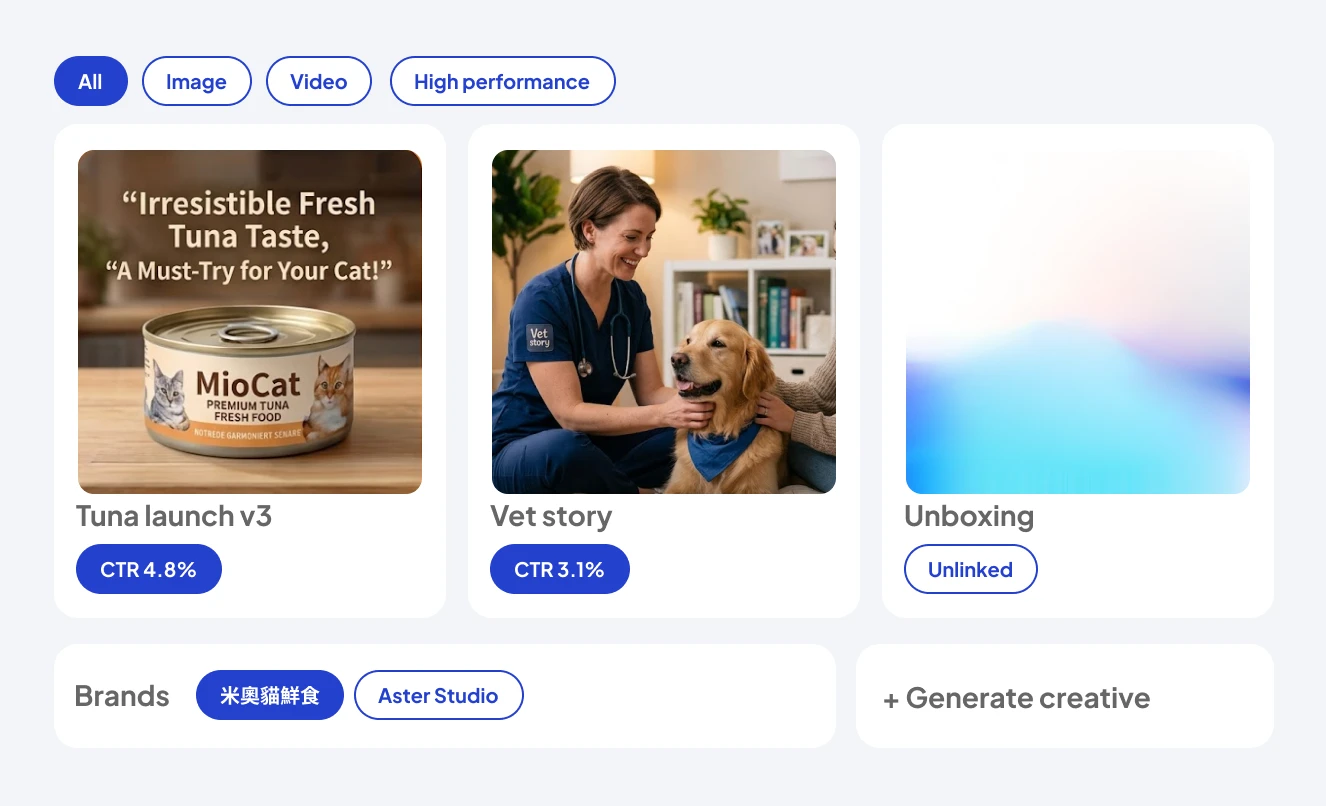
Every creative, organized by brand and tied to real performance — so your next ad starts from what already works.
Why an asset library beats a folder of exports
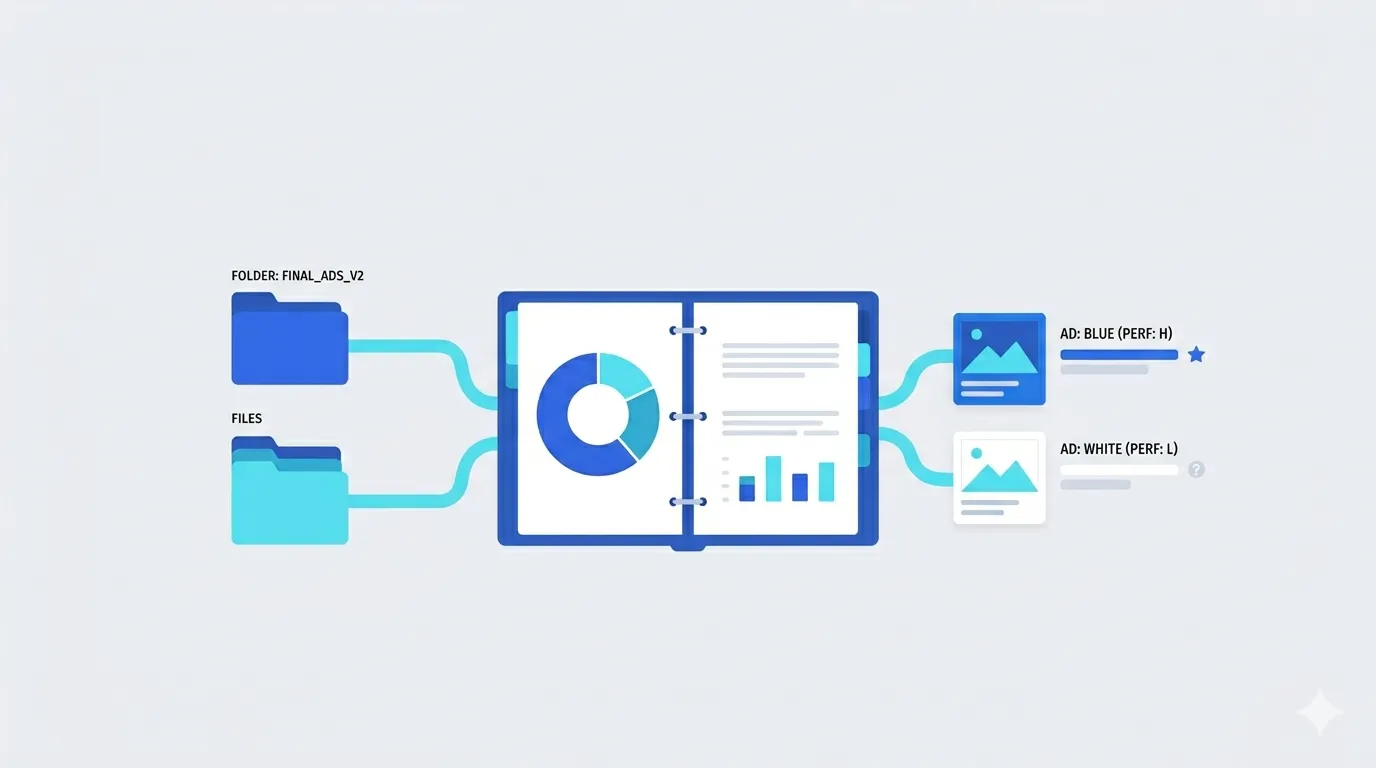
Every team has the same graveyard
A Drive folder called "final_ads_v2" where good creative goes to be forgotten. The files are there, but the knowledge isn't — nobody remembers which version ran, what it cost, or why the blue variant outperformed the white one.
Creative Library keeps every asset attached to its context
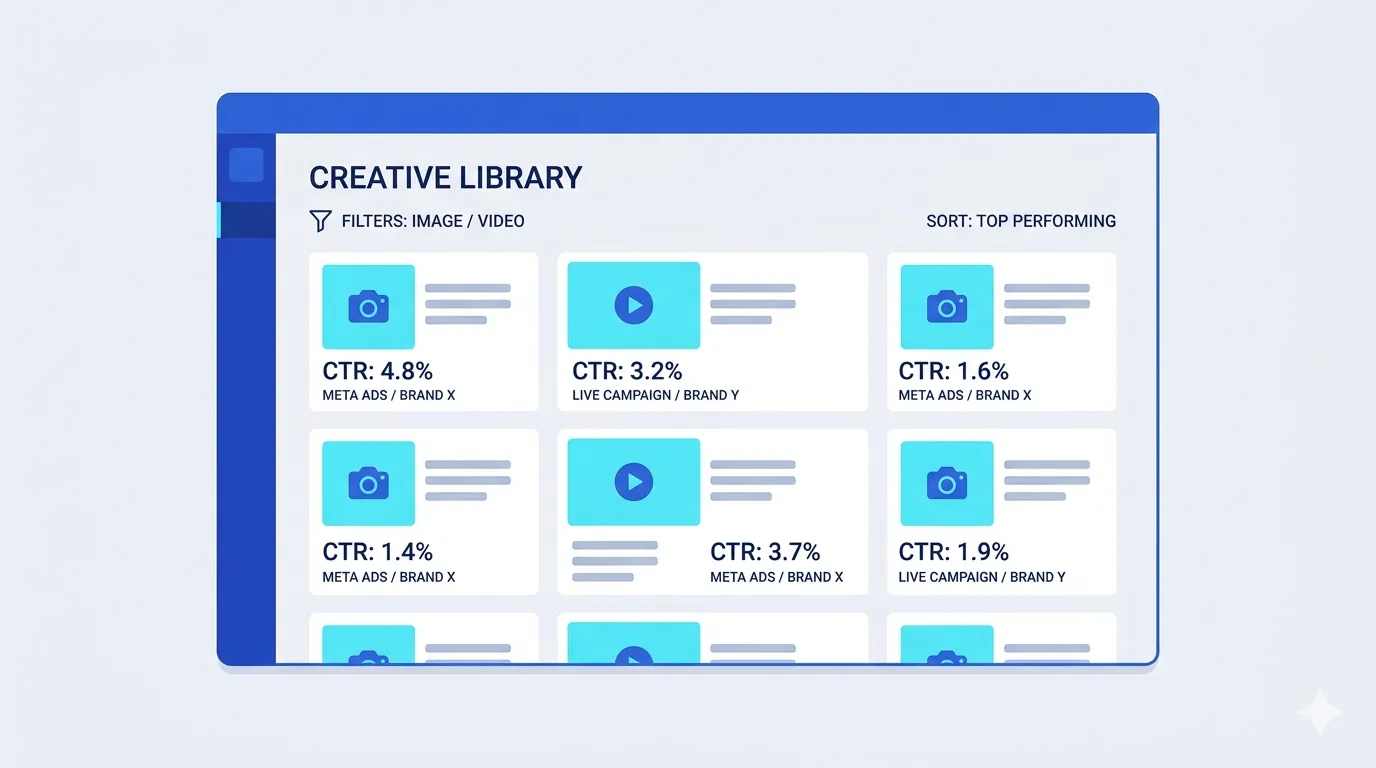
Each creative knows which brand it belongs to, whether it's linked to a live Meta campaign, and how it performed — CTR is right on the card. Filter by image or video, sort high performers to the top, and the question "what worked last quarter?" takes four seconds, not a meeting.
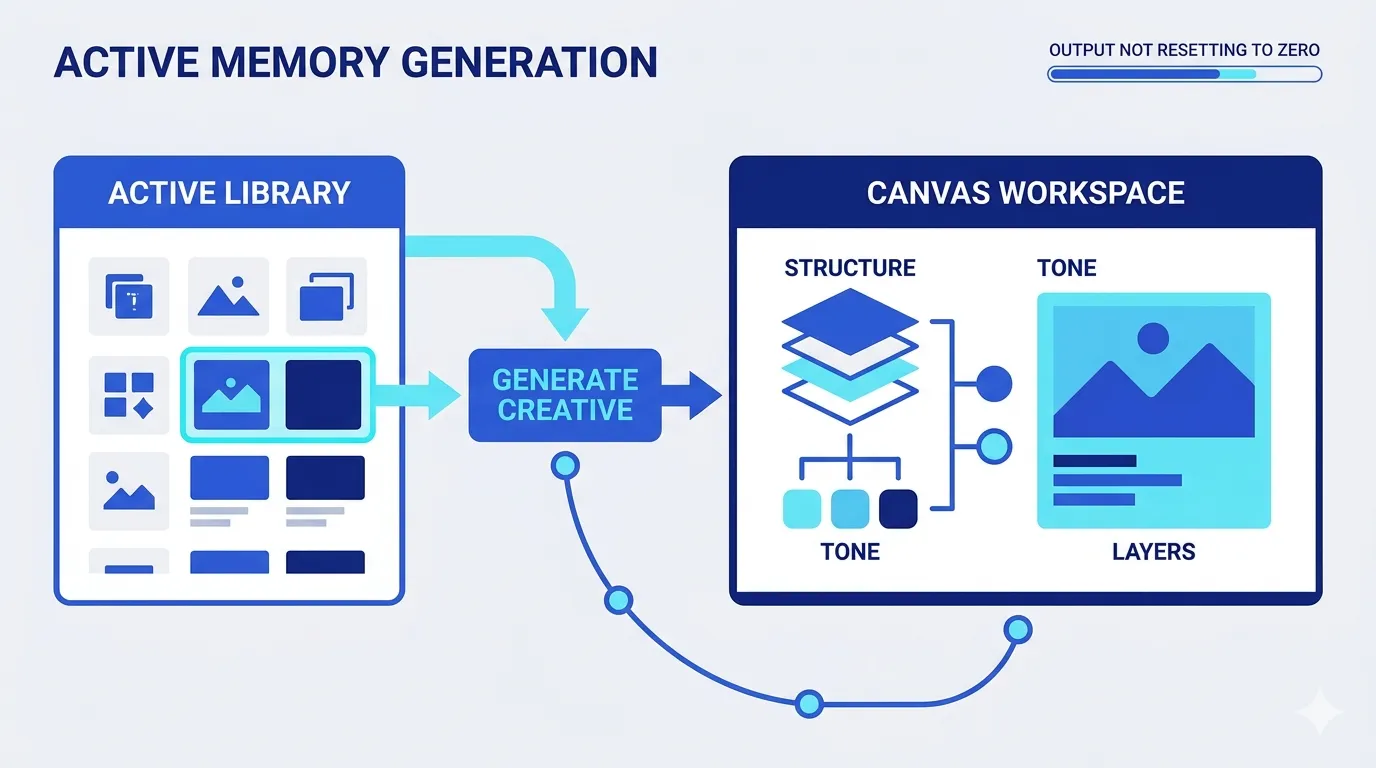
More importantly, the Library is active memory, not cold storage
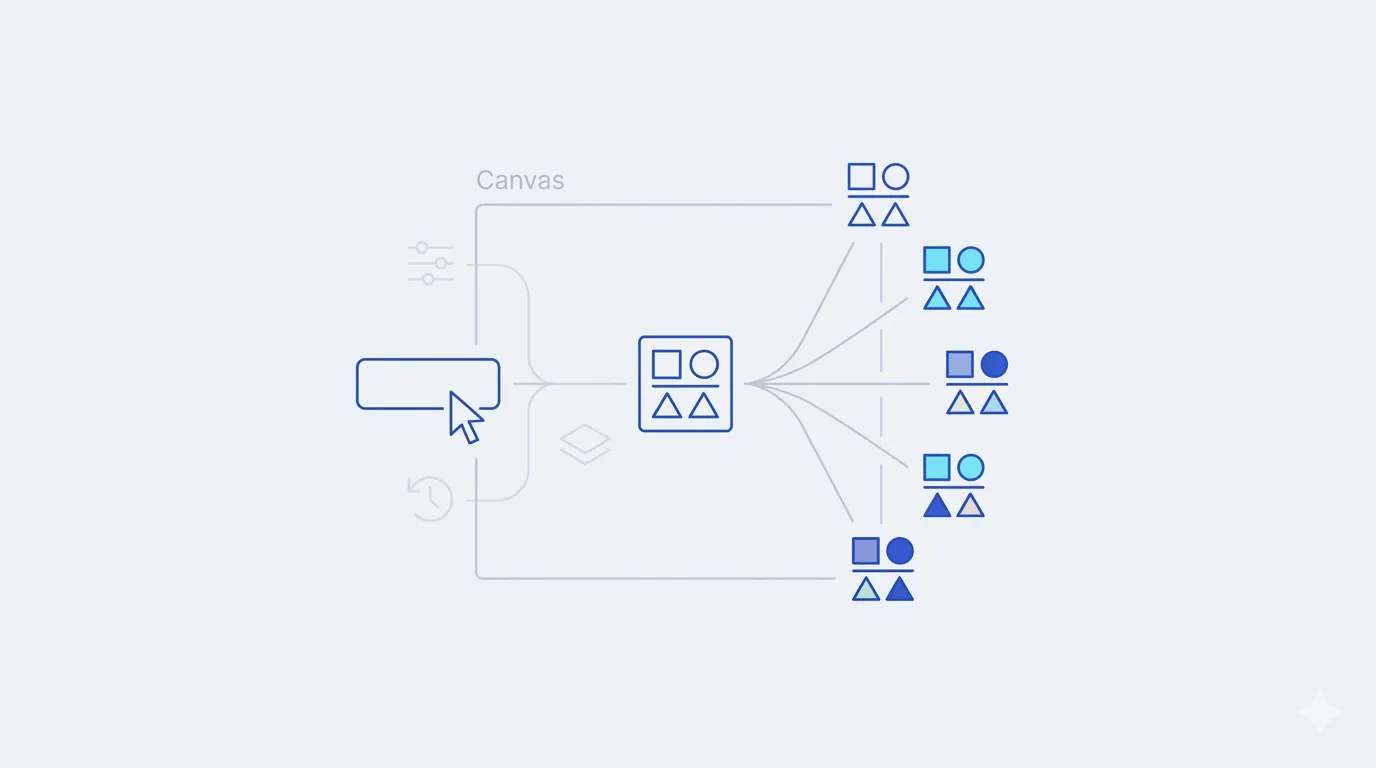
Any asset can seed a new generation: pick last month's winner, hit "Generate creative," and Canvas starts with everything that made it work — the structure, the tone, the layers. Your creative output stops resetting to zero with every campaign.
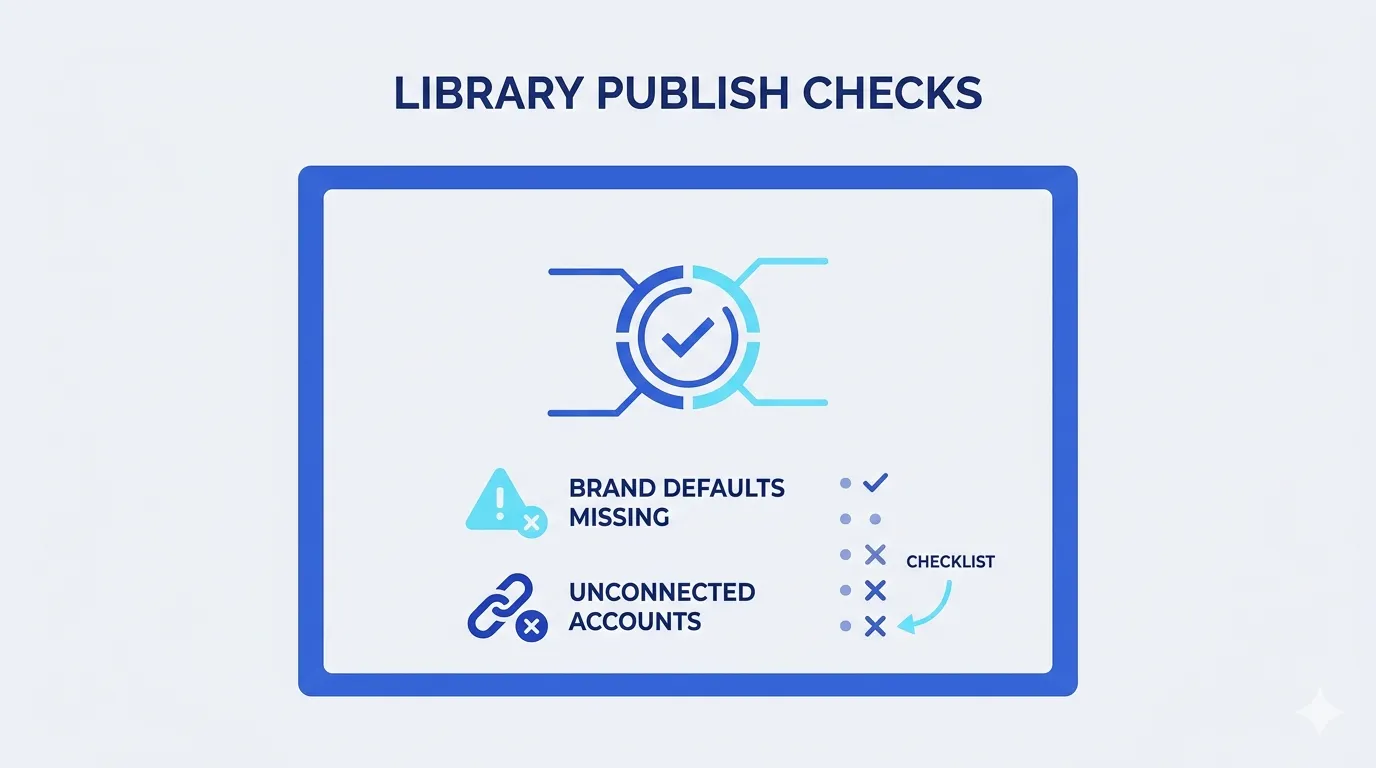
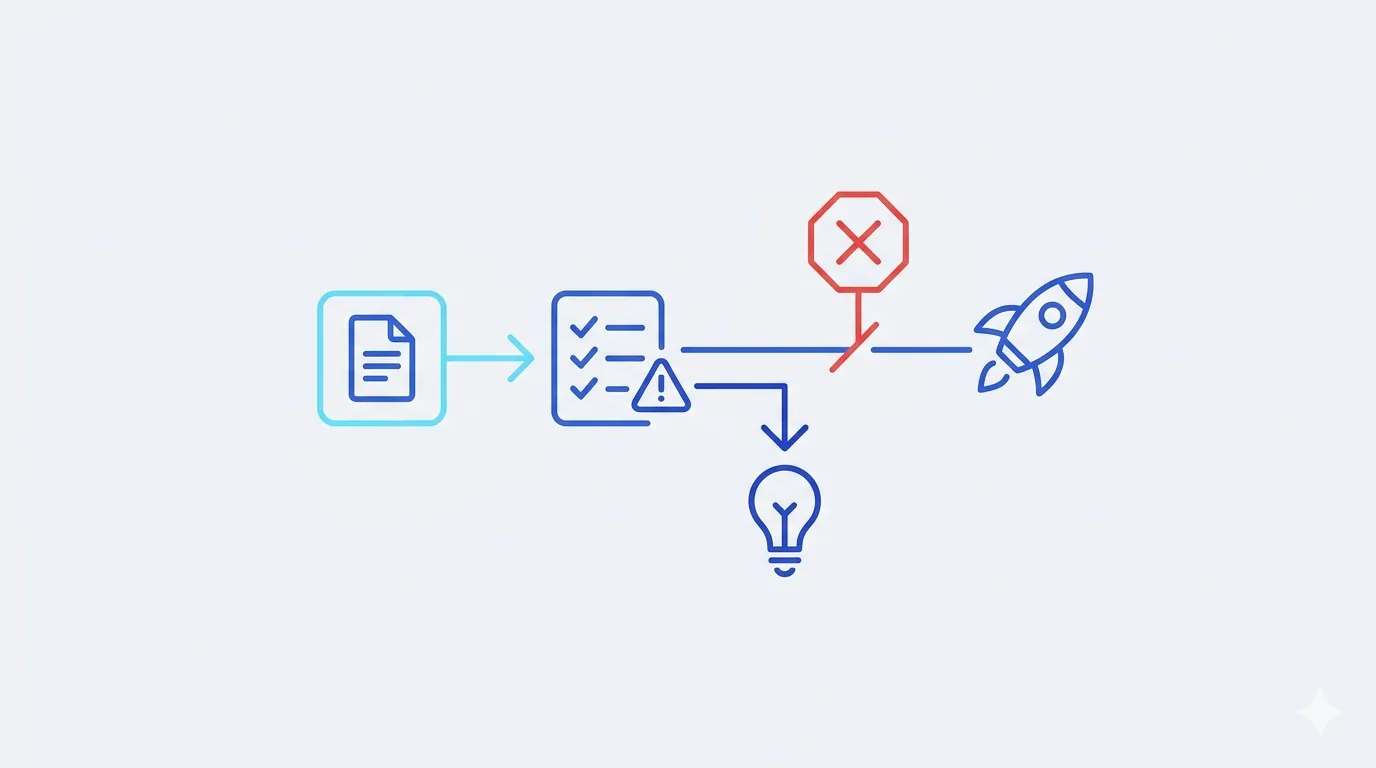
Publish-readiness checks
The Library also runs publish-readiness checks — missing brand defaults or unconnected accounts get flagged before they block a launch, not during one.
Key capabilities
Everything below ships in the same workspace — no add-ons, no integrations to babysit.
Brand selector
Switch between brand asset libraries instantly — built for teams managing multiple brands.

Linked vs. unlinked
See at a glance which assets are live on Meta and which are still waiting for a campaign.
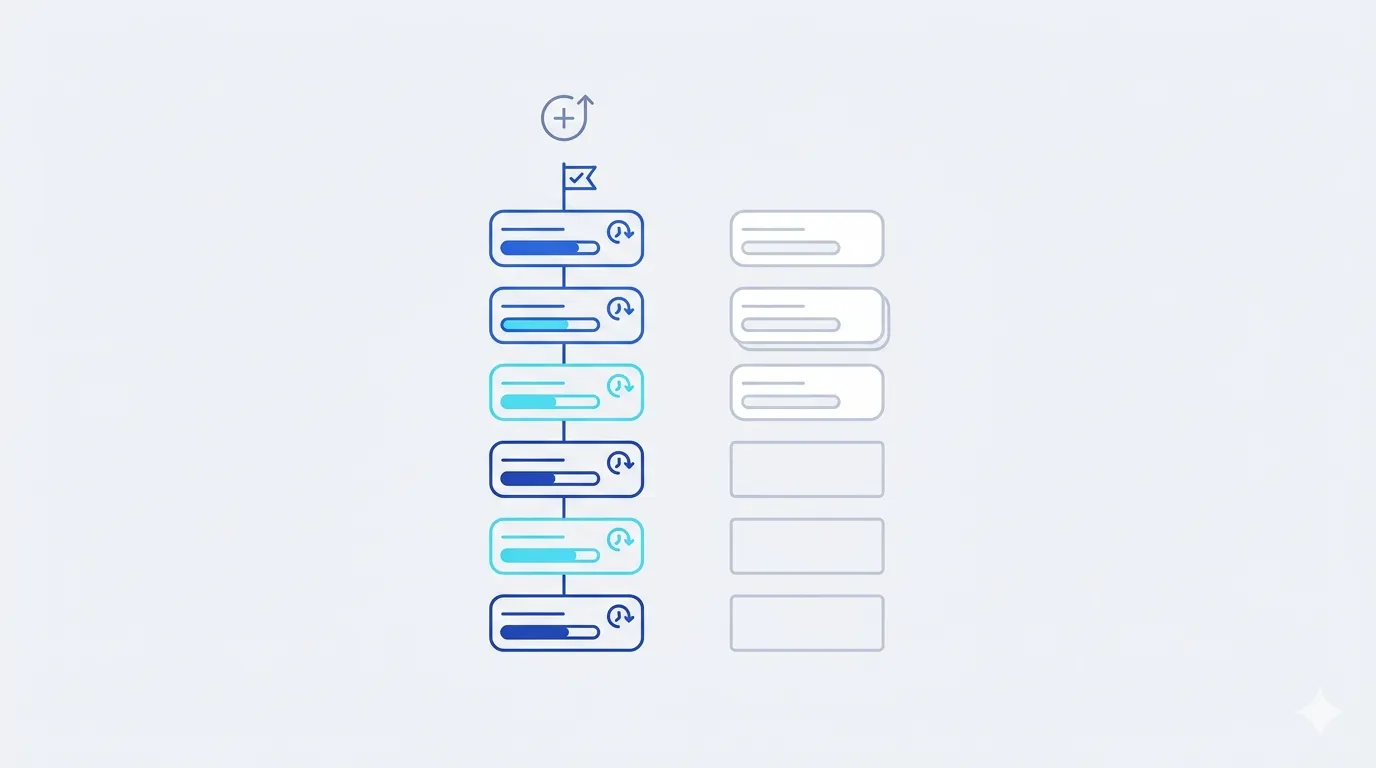
Performance sort
Filter image or video and sort by CTR to surface your high performers.
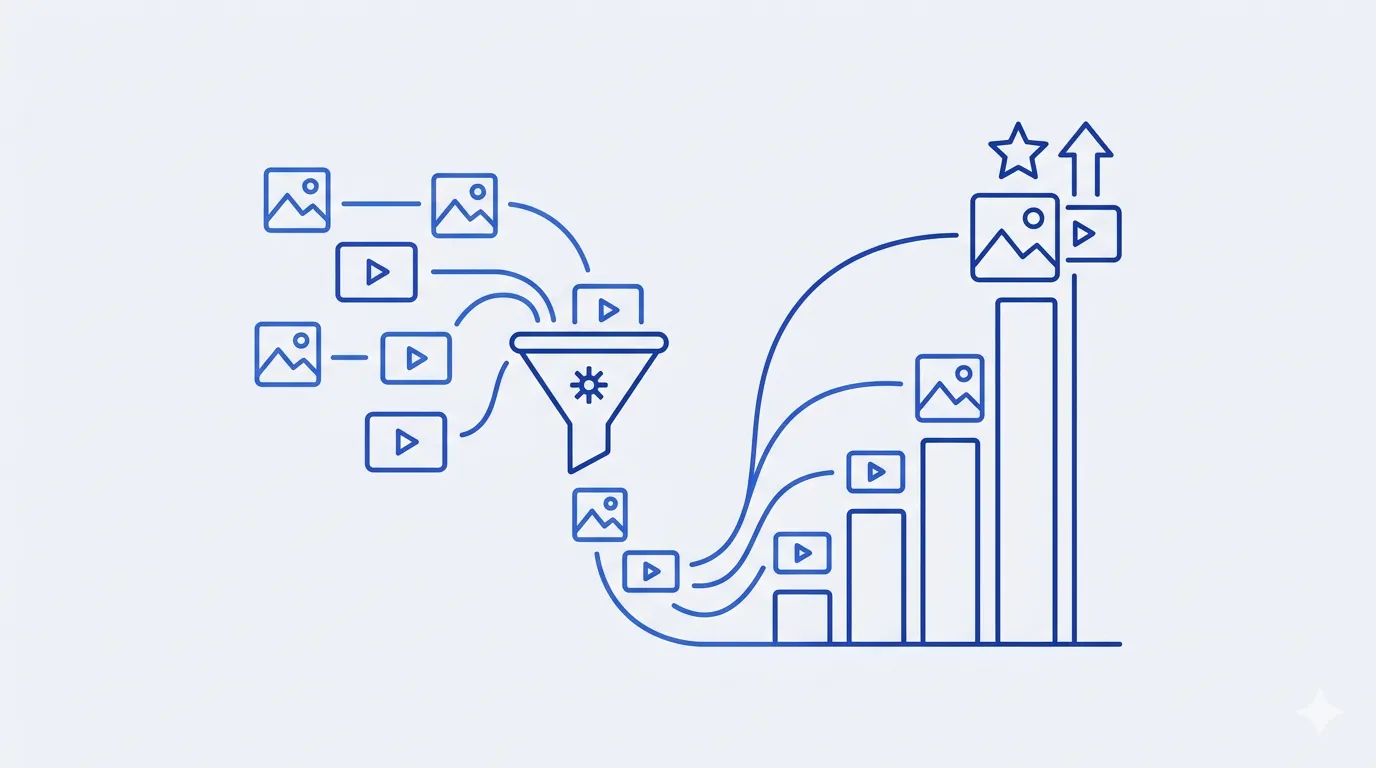
Search everything
Find assets by name or content description, even months later.
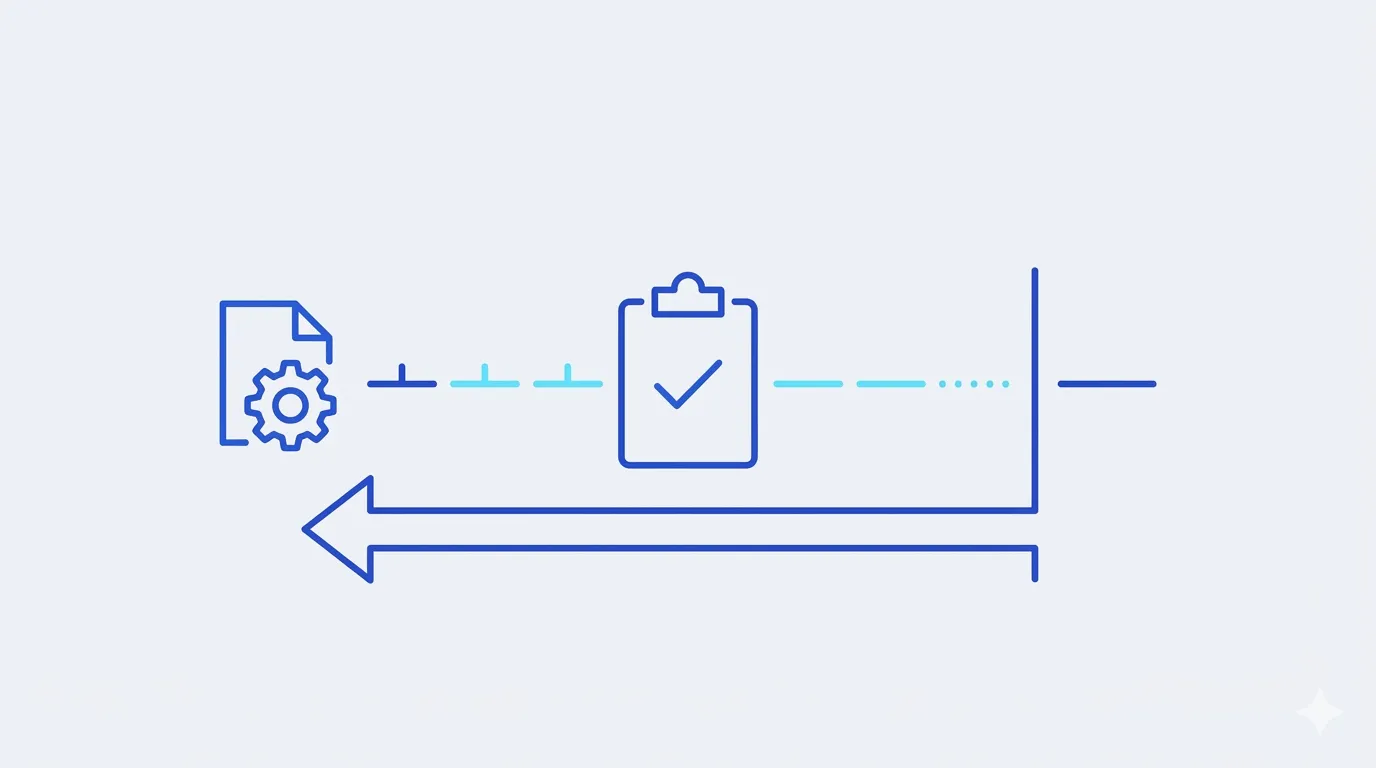
Readiness checks
Missing publish defaults are flagged early with a fix path, not mid-launch.
One-click variants
"Generate creative" reopens any asset in Canvas with its full context loaded.
Monday morning, agency edition
How Aster Studio preps a client's month from last month's results.
Sort by CTR
Filter the client brand, sort high → low. Last month's top three jump out.
Diagnose
Two winners share a pattern: kitchen scenes + price-anchored headlines.
Multiply
Each winner seeds three new variants in Canvas — new offers, same proven structure.
Queue
Nine on-pattern creatives ready for review. Campaign planning starts from proof.

Stop losing your best ads. Start your library free.
Free plan, no credit card, your first creative in minutes.
Start free