Your product shot, directed like a creative team would.
Brief it once — offer, audience, mood. Canvas generates the visual and copy together, and every layer stays editable until it's launch-ready.
What makes Canvas different from an image generator?
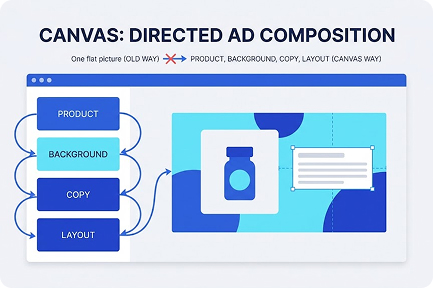
Most AI tools treat an ad as one flat picture
You type a prompt, you get pixels, and if the headline is wrong you start over. Canvas treats an ad the way a creative team does — as a directed composition of product, background, copy, and layout, each with its own job to do.
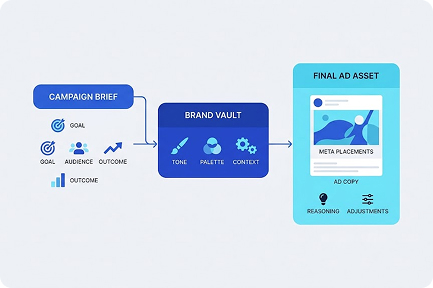
That starts with the brief, not the prompt
You tell Canvas what you're promoting, to whom, and what outcome you need — brand awareness, leads, or conversions. Your Brand Vault supplies tone, palette, and market context automatically, so the tenth creative sounds like the first one. The output isn't just an image: it's a visual plus matching ad copy, sized for Meta placements, with the reasoning visible and adjustable.
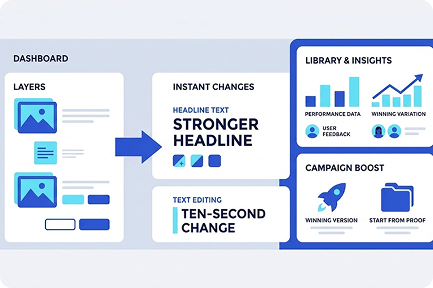
Every element stays editable as a separate layer
Feedback stops being expensive. "Same photo, stronger headline" is a ten-second change, not a regeneration lottery. And when a version wins, you save it — Canvas remembers it, your Library scores it, and your next campaign starts from proof instead of a blank page.
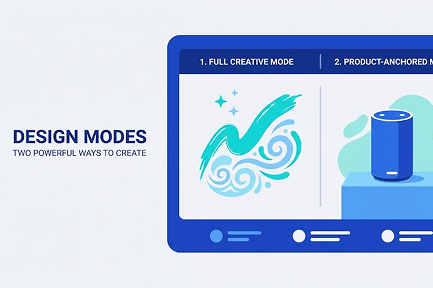
Creative mode and Product-anchored mode
Canvas supports full creative mode (concept-led) and product-anchored mode (your real product photo stays untouched while everything around it changes).
Key capabilities
Everything below ships in the same workspace — no add-ons, no integrations to babysit.
Layered editing
Product, background, copy, and composition are independent — review and adjust without restarting from zero.

Outcome-aware generation
Pick brand awareness, lead gen, or conversions and the visual hierarchy and copy emphasis follow.

Market & language context
Set market (e.g., Taiwan) and output language per creative — six languages supported.

Ad-ready formats
1080x1350 and Meta placement specs out of the box. No resizing in another tool.

Video versions
Turn a winning creative into a 5-15s short video with an AI director script.

Variant memory
Extend past winners into new variants instead of starting over — your asset history compounds.

A real afternoon with Canvas
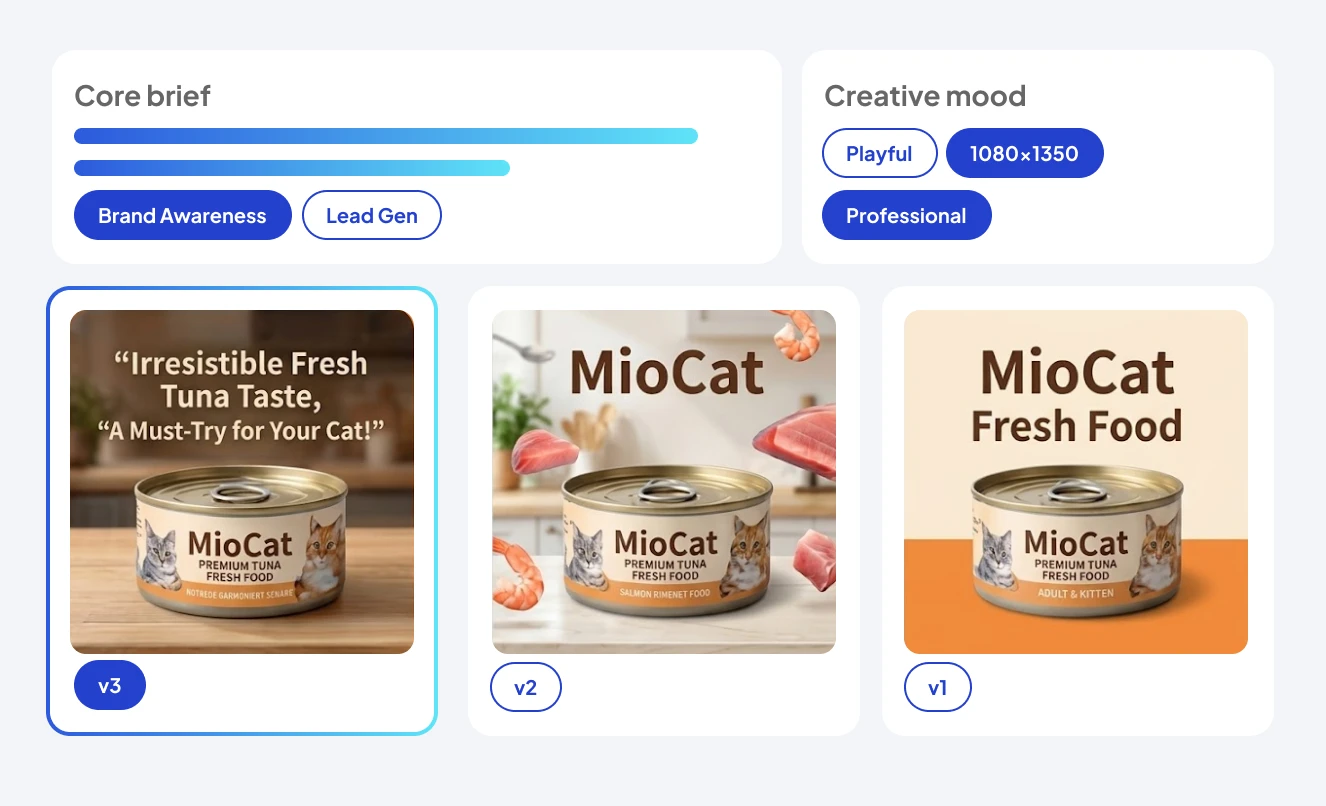
How MioCat 米奧貓鮮食 takes a new tuna flavor from product photo to approved ad creative.
Brief
"Fresh tuna recipe, urban cat owners 25–45, outcome: conversions, market: Taiwan."
Generate
Four directions arrive — visual + copy pairs, all on brand palette and tone.
Refine
Keep visual #2, swap background to kitchen scene, punch up the headline layer.
Approve
Marketing lead reviews the exact creative in-flow and approves v3.
Hand off
v3 saved to Library and pushed into the Campaign Wizard. Total: 25 minutes.

Brief your first ad in the next five minutes.
Free plan, no credit card, your first creative in minutes.
Start free