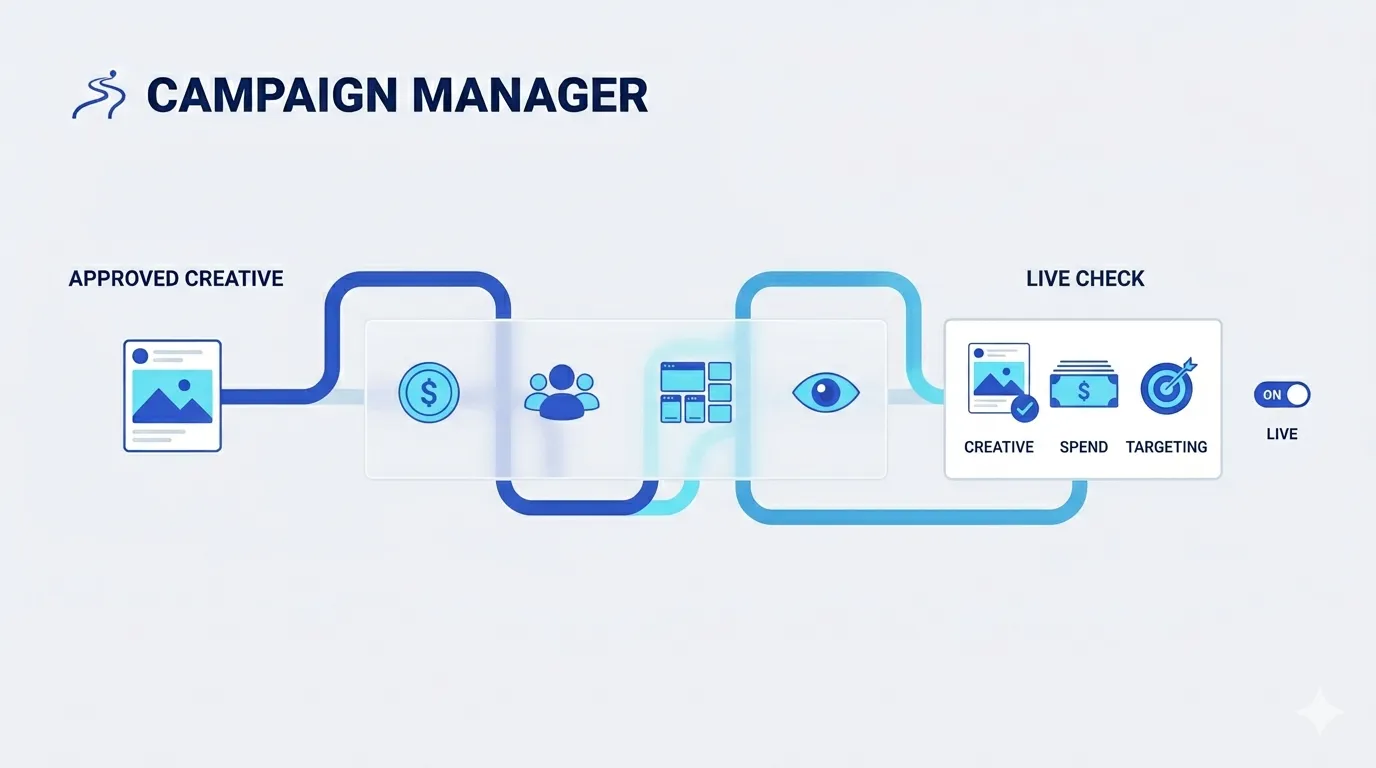
From approved creative to live campaign, one path.
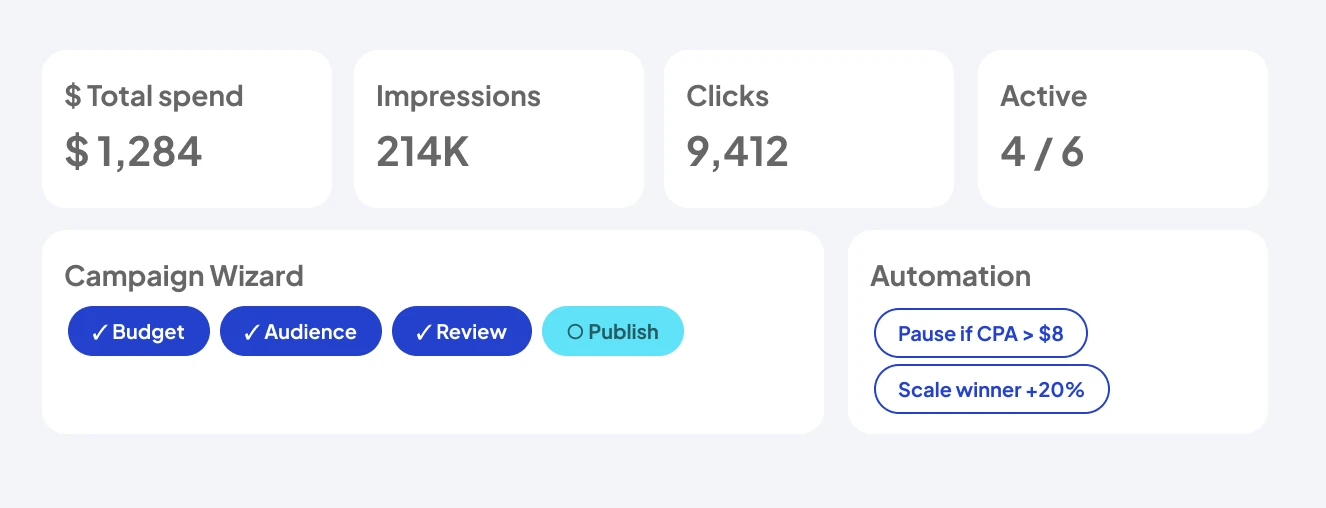
The Campaign Wizard walks budget, audience, review, and publish — no asset exports, no tab juggling, full governance.
The last mile is where campaigns actually break
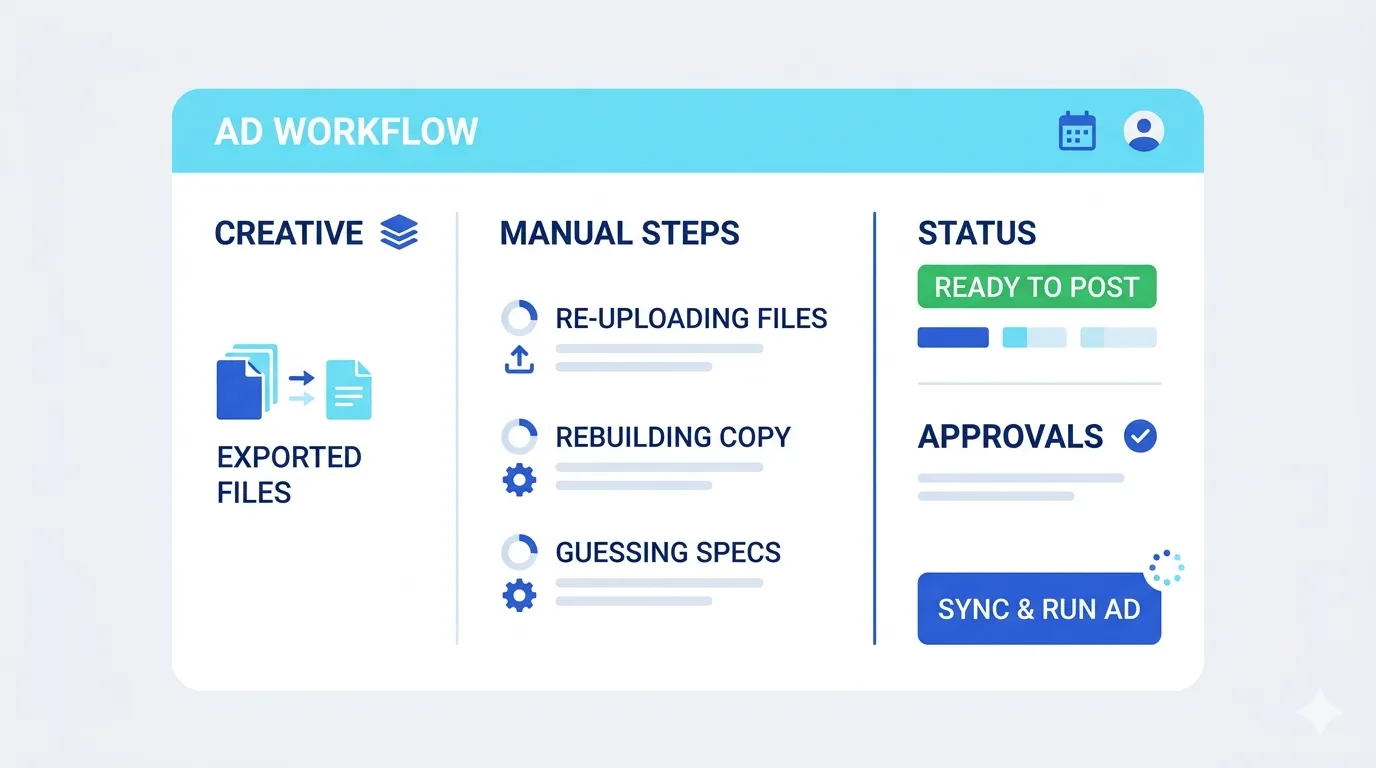
Creative tools end at the export button
And that's exactly where the real risk begins. Between the finished image and the running ad sits the manual mile: re-uploading files, rebuilding copy in Ads Manager, guessing at specs, and approving things in chat threads nobody can audit later.
Campaign Manager replaces that mile with one formal path
The Campaign Wizard takes an approved creative and walks it through budget, audience, placements, and review as explicit steps. Approvers see the exact creative, the exact spend, and the exact targeting before anything goes live — governance is a feature of the flow, not a screenshot in a thread.
After launch, the same workspace stays accountable
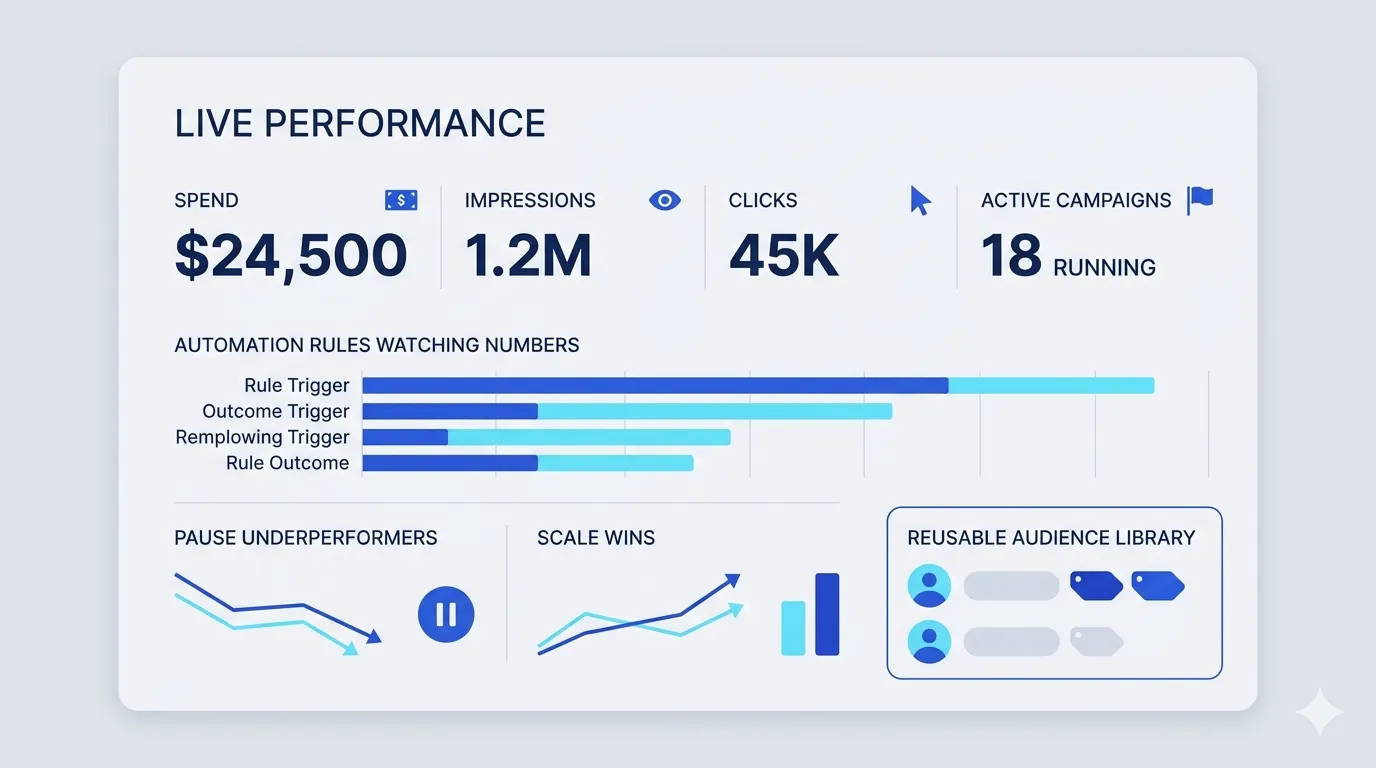
Spend, impressions, clicks, and active campaigns on one screen, with automation rules watching the numbers you'd otherwise check at midnight. Pause what underperforms, scale what wins, and keep the audience definitions that work in a reusable library.
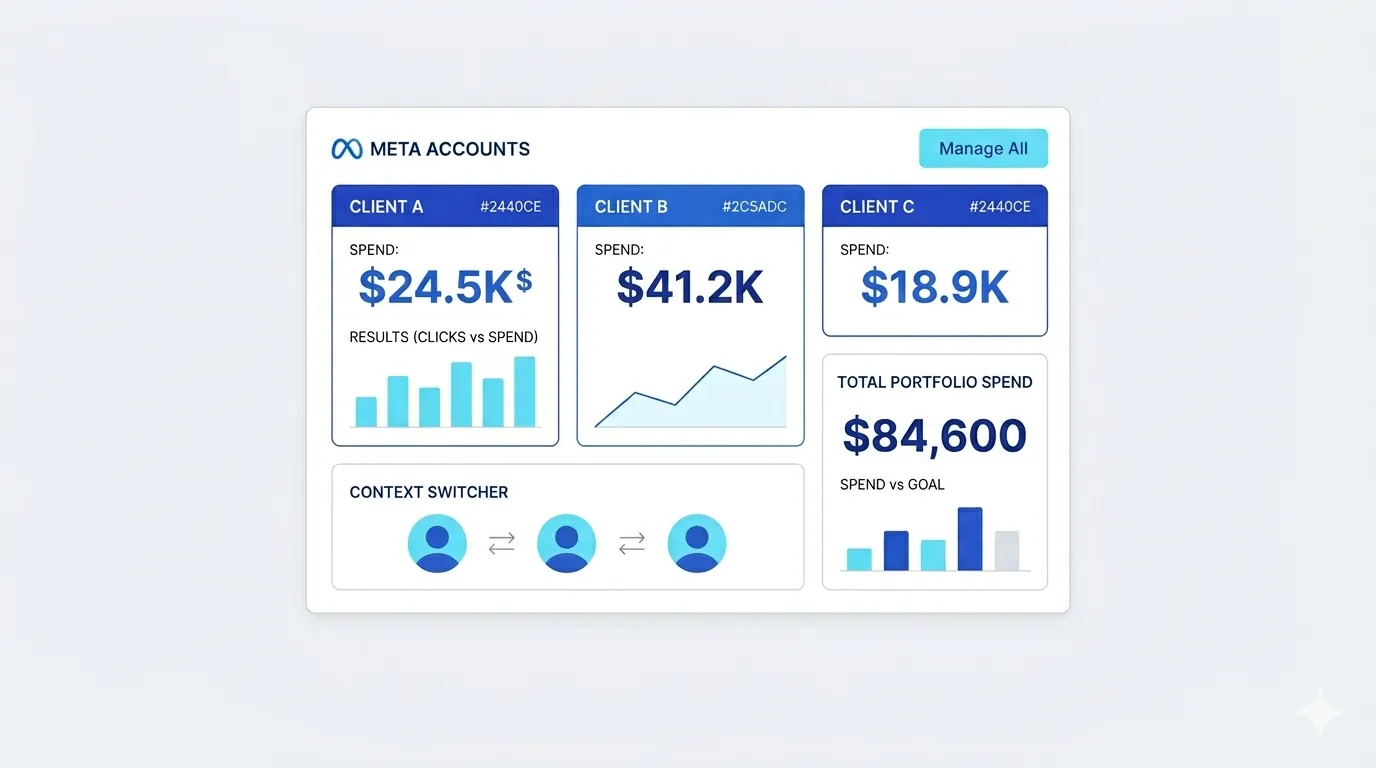
Connect multiple accounts
Connect multiple Meta ad accounts and switch context safely — built for owners and agencies who answer for the spend, not just the clicks.
Key capabilities
Everything below ships in the same workspace — no add-ons, no integrations to babysit.
Campaign Wizard
A formal, owner-facing launch path: campaign, ad set, budget, audience, review, publish.

Audience Library
Save audience definitions that convert and reuse them across campaigns in one click.
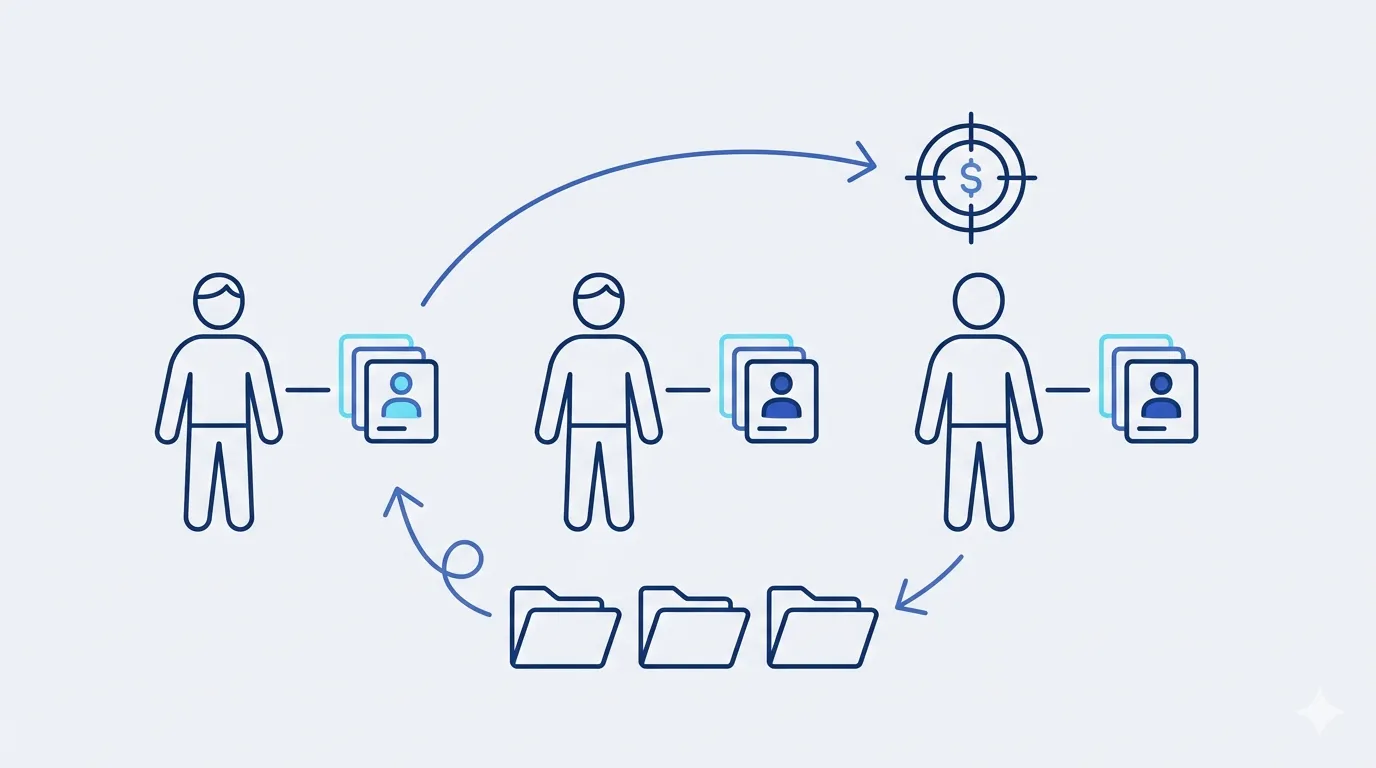
Automation rules
Pause, scale, or alert on performance thresholds — your guardrails run 24/7.

Multi-account
Connect several Meta ad accounts and switch context without cross-contamination.
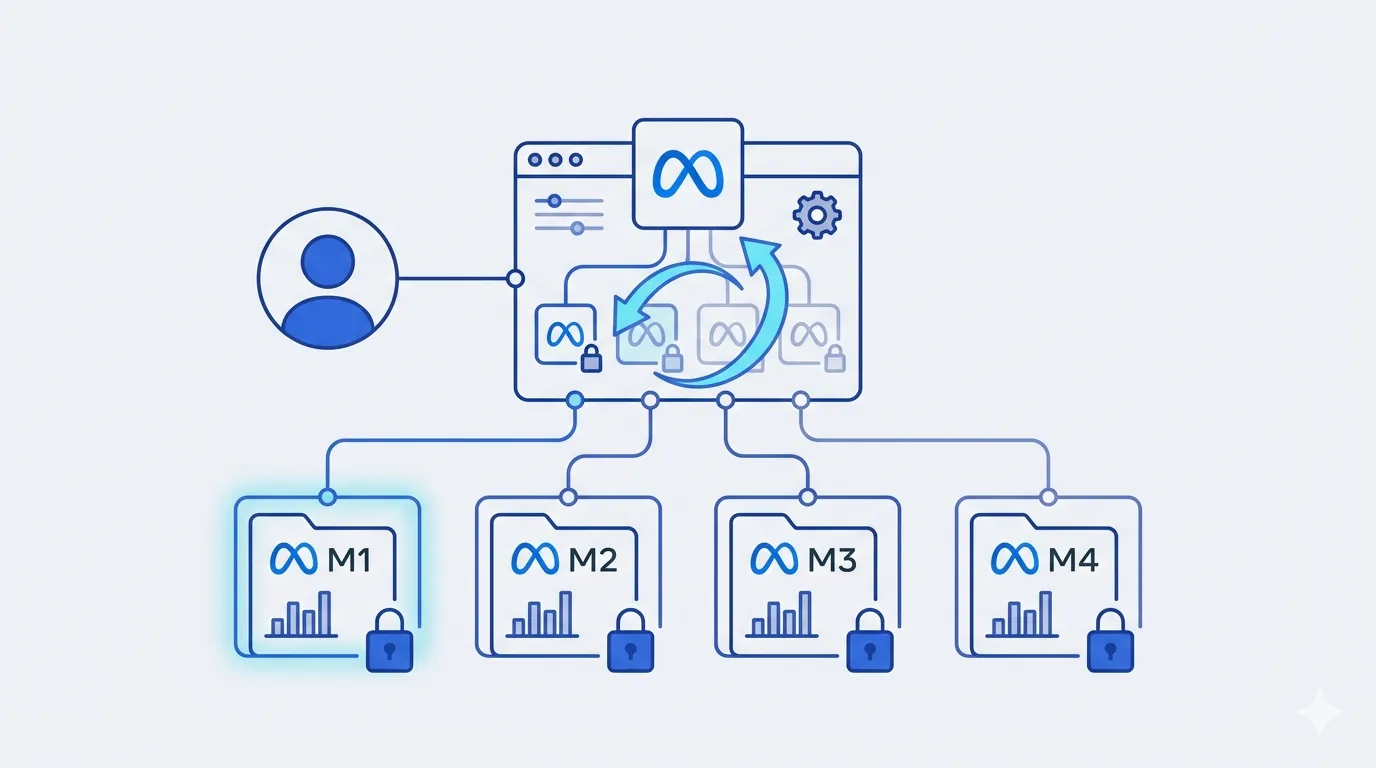
Workspace metrics
Spend, impressions, clicks, and active campaigns at a glance — no separate dashboard.

Draft push
Send message-ad drafts for final confirmation before they spend a dollar.

A $300 launch, governed
How a two-person team ships a conversion campaign with real review.
Select
Tuna launch v3 — the Library's top performer — enters the Wizard.
Configure
$300 over 7 days, saved audience "TW cat owners 25–45", auto placements.
Review
The owner sees creative + budget + audience on one screen. Approves.
Publish
Live on Meta. A rule arms itself: pause if CPA exceeds $8.
Automate
Variant B trips the rule and pauses; the winner scales +20%. Nobody was watching at 2 AM — the rule was.

Launch your next campaign without the copy-paste.
Free plan, no credit card, your first creative in minutes.
Start free