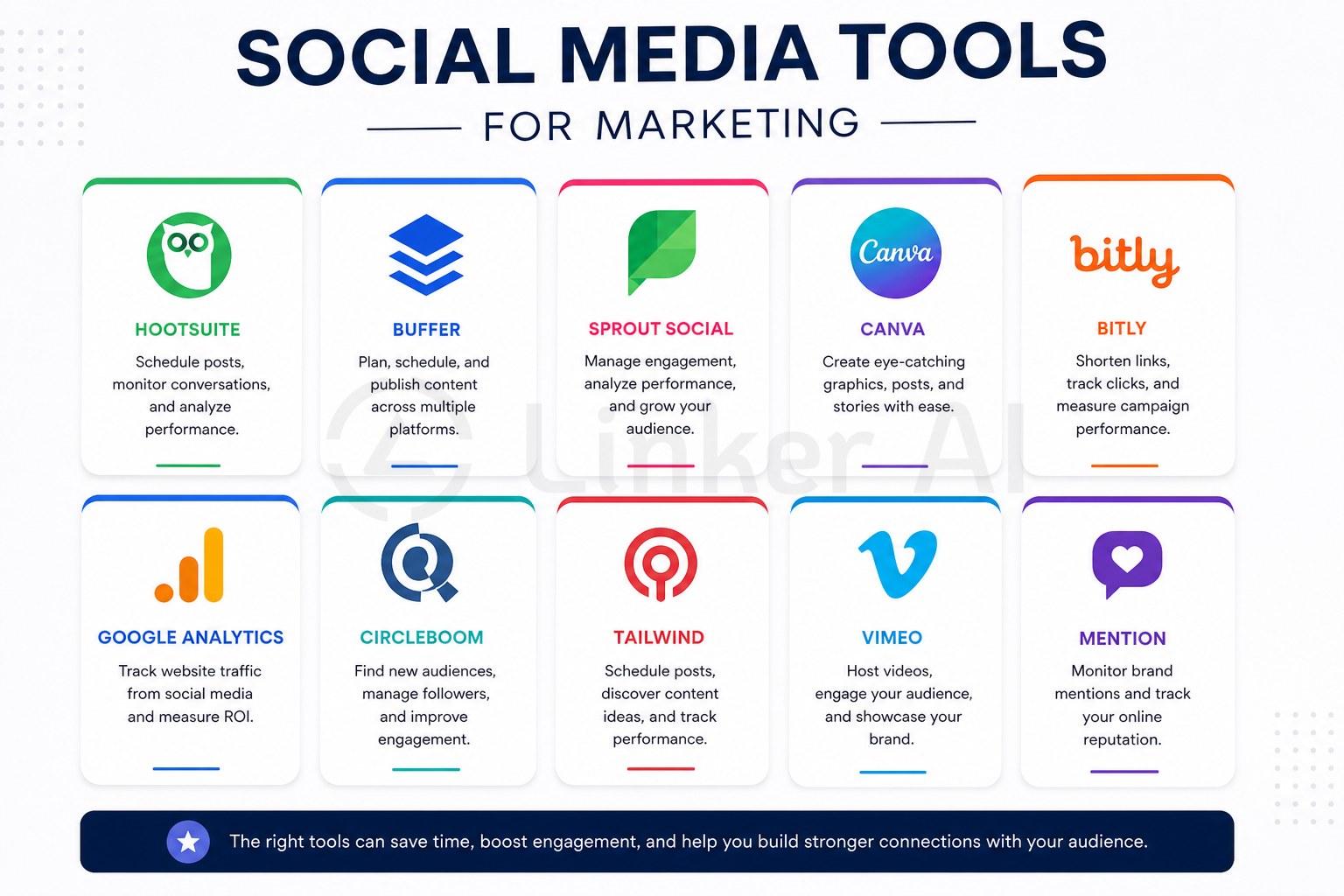
If you’re running a business and managing your own social media, you already know the drill: you need to post consistently on Facebook, Instagram, and WhatsApp, come up with fresh captions, respond to comments, track what’s working — and somehow do all of this while also running the actual business.
That’s exactly why **social media tools for marketing** exist. The right tool doesn’t just save time; it helps your content reach more people, look more professional, and convert followers into customers. This guide breaks down the landscape — what types of tools are out there, how to evaluate them, and how to figure out which one actually fits your team.
—
## Why Social Media Tools Matter for Marketing Teams
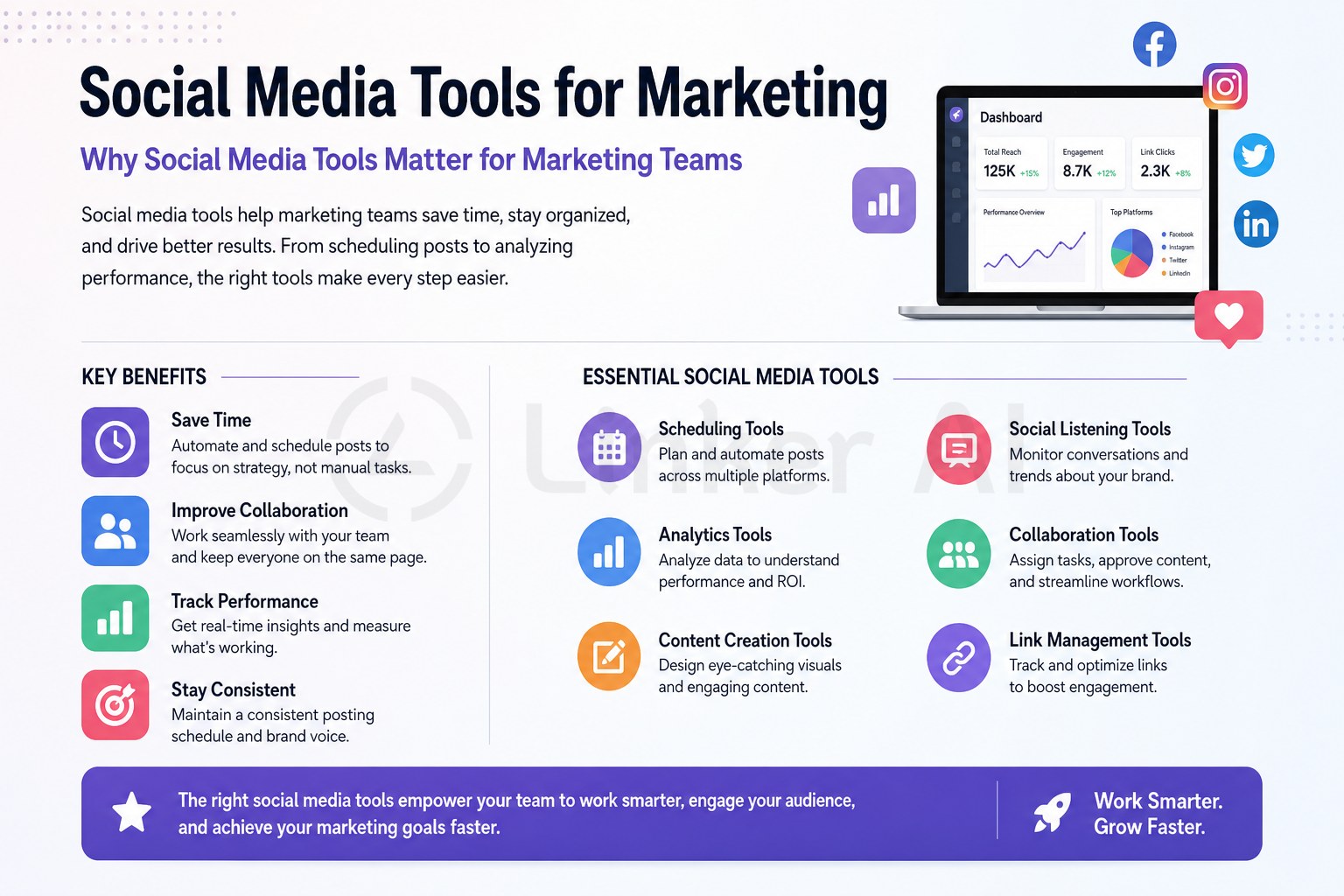
Posting manually to each platform — writing a caption, uploading a photo, picking a time, repeating across Facebook and Instagram — eats up hours every week. For a solo business owner or a small team without a dedicated marketer, that time cost is real.
Social media marketing tools solve this in a few key ways:
– **Consistency**: Scheduled posts mean your audience hears from you regularly, even on busy days.
– **Quality**: Built-in templates, AI caption generation, and visual editors help non-designers produce better-looking content.
– **Speed**: Batch-creating a week’s worth of posts in one session is far more efficient than scrambling daily.
– **Accountability**: Analytics show what content drives engagement, so you stop guessing.
According to [Sprout Social’s research](https://sproutsocial.com/insights/social-media-statistics/), consistent posting is one of the strongest predictors of audience growth on platforms like Facebook and Instagram — making the case for tools that help you maintain that rhythm without burning out.
—
## What to Look for in a Social Media Marketing Tool
Not every tool is built for the same user. Before you commit to a subscription, run through these criteria:
1. **Platform support** — Does it connect to the networks your audience actually uses? For most SMBs in the Philippines and Southeast Asia, Facebook and Instagram are non-negotiable. WhatsApp Business integration is a bonus.
2. **Ease of use** — If your staff needs a week of training, adoption will stall. Look for tools your frontline team can pick up in an afternoon.
3. **Content creation features** — Does it help you write captions, resize images, or generate post ideas? Or do you still have to do all that elsewhere?
4. **Scheduling and publishing** — Can you queue posts in advance? Can you publish to multiple platforms in one click?
5. **Analytics and reporting** — Can you see which posts performed and why, without needing a data analyst to interpret the dashboard?
6. **Collaboration and approvals** — If a manager needs to review posts before they go live, does the tool support that workflow?
7. **Pricing model** — Does the cost scale fairly with how much you actually use it, or does it charge per seat regardless?
The goal isn’t to find the tool with the longest feature list. It’s to find the one that removes friction from your specific workflow.
—
## Types of Social Media Tools for Marketing (And What Each Does)
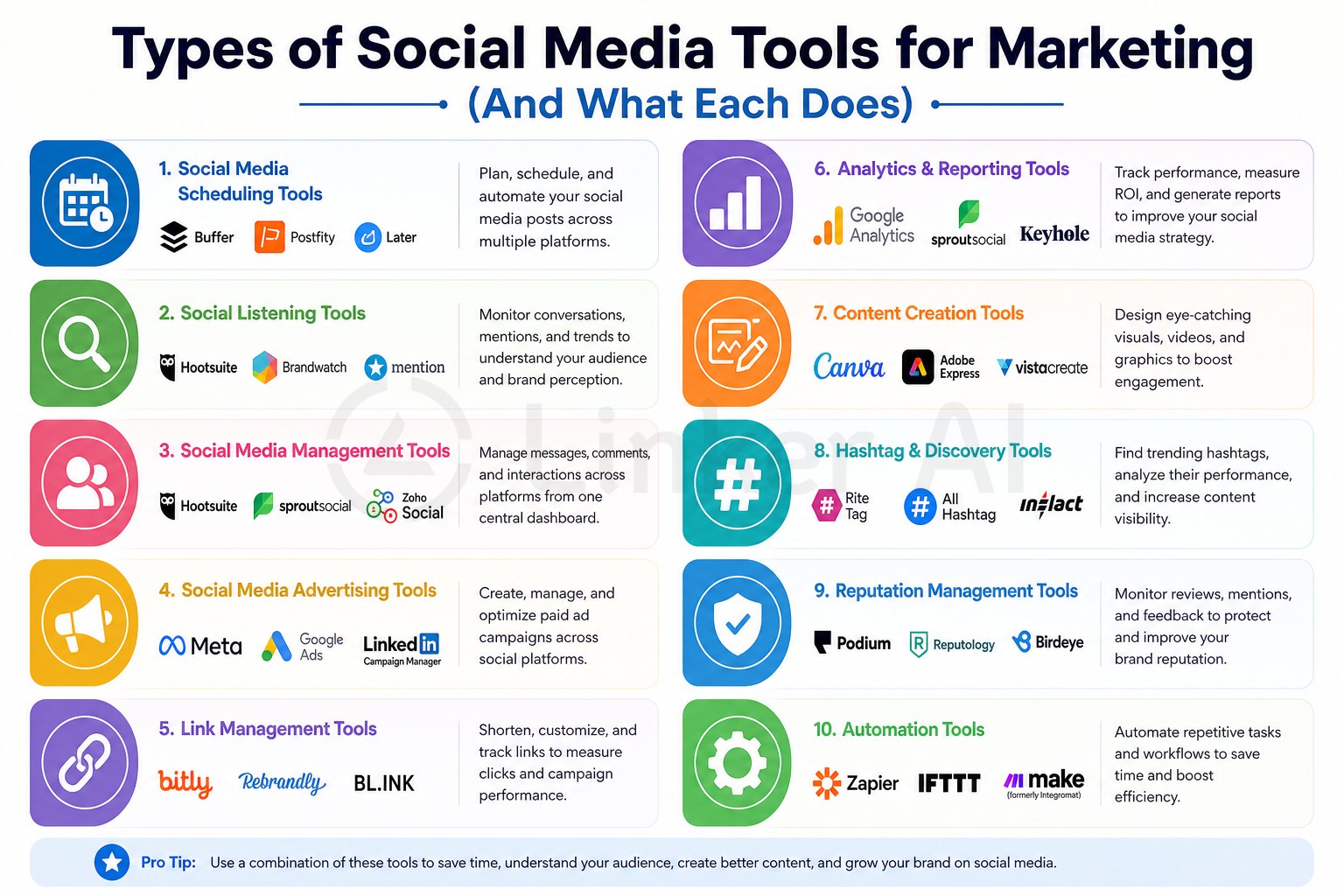
The term “social media tool” is broad. In practice, the market is split into several distinct categories — and many businesses end up using more than one.
### Content Scheduling & Publishing Tools
These tools let you plan and queue posts ahead of time, then publish them automatically at a scheduled time. Most connect to Facebook, Instagram, and other major platforms via official APIs.
Popular examples include Buffer, Later, and Hootsuite. They’re well suited to teams that batch-produce content — say, planning a full week’s posts on Monday morning. The tradeoff: scheduling tools usually don’t help you *create* the content, just distribute it.
**Best for:** Teams that already have a content workflow and just need reliable distribution.
### Content Creation & Caption Tools
These tools focus on the creative side — helping you write captions, design visuals, or generate post ideas. AI-powered writing assistants (like those built into newer marketing platforms) can draft a caption from a photo description or a brief prompt.
Tools like Canva handle design, while AI writing tools or integrated platforms handle copy. Some newer tools combine both.
**Best for:** Business owners or frontline staff who struggle with “what do I write?” more than “when do I post?”
### Social Inbox & Engagement Tools
When your Facebook page and Instagram account are both getting DMs and comments, keeping up manually becomes chaotic. Social inbox tools centralise all incoming messages and comments into one dashboard, so your team can respond faster and nothing slips through.
**Best for:** Businesses with active community engagement or customer service happening through social channels.
### Social Media Analytics Tools
Analytics tools track the performance of your content — reach, engagement rate, follower growth, click-throughs, and more. Native analytics (built into Facebook Business Suite or Instagram Insights) are free but limited. Third-party analytics tools offer cross-platform views, historical comparisons, and competitive benchmarking.
According to [HubSpot’s marketing research](https://www.hubspot.com/marketing-statistics), marketers who regularly review analytics are significantly more likely to see year-over-year improvement in their campaigns — because they know what to double down on and what to drop.
**Best for:** Teams making data-driven decisions about content strategy and budget.
### Paid Social & Ads Management Tools
Running ads on Facebook or Instagram goes beyond boosting posts. Dedicated ads tools help you build campaigns, manage budgets across ad sets, A/B test creatives, and optimise for conversions — all from one place. This category includes Meta’s own Ads Manager, as well as third-party platforms that layer automation and reporting on top.
**Best for:** Businesses investing meaningfully in paid social, or agencies managing multiple ad accounts.
—
## How to Choose the Right Tool for Your Business Size
The right social media marketing tool depends heavily on who’s actually going to use it day-to-day.
**Solo owner or micro-business (1–3 people)**
You need something fast and frictionless. A tool that requires complex setup or a steep learning curve will sit unused. Look for mobile-first tools where you can shoot a photo, write a caption (or have AI write it), and post — all in under five minutes.
**Small team with a part-time marketer (4–20 people)**
You probably need a bit more structure: scheduled posts, a basic approval workflow, and some reporting. A mid-tier scheduling and analytics combo works well here.
**Multi-location or franchise brand**
This is where things get more complex. You need HQ to control brand voice and templates while individual locations or teams handle local content. Look for tools that support role-based permissions, content approval, and brand asset libraries.
One important note: don’t over-invest in features you won’t use. A restaurant owner posting daily specials doesn’t need enterprise analytics. A regional franchise with 20 outlets does.
—
## A Closer Look: Tools Built for Frontline and Local Marketing Teams
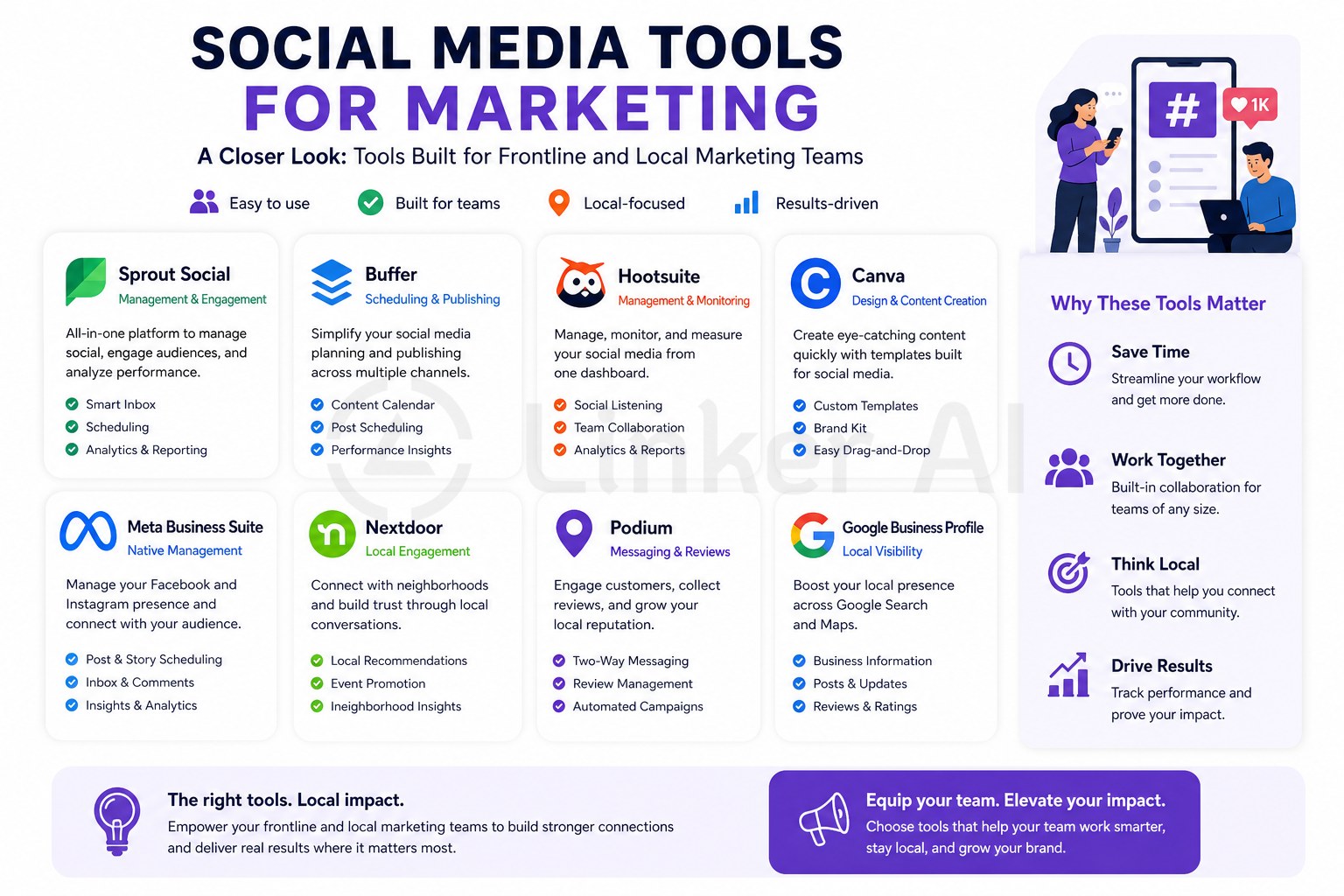
Most social media scheduling platforms are designed for professional marketers sitting at a desktop. But many of the businesses that need help most — local restaurants, salons, fitness studios, retail stores — are run by people who are on the floor all day, not at a computer.
This is the gap that tools like **[Linker Post](https://linker.com.tw/linker-post/)** are designed to fill.
Linker Post is a lightweight publishing tool built for business owners and frontline staff who need to post quickly from their phone — without logging into a separate dashboard or learning a new system. The workflow is intentionally simple:
1. **Take a photo** on-site (a new dish, a product display, a before-and-after)
2. **Upload it and select a content type** (promotion, announcement, daily special, etc.)
3. **Let AI generate a caption** based on your photo and content type
4. **Edit with conversational prompts** if needed — no manual rewriting required
5. **Preview and publish** to Facebook, Instagram, and other connected channels in one go
For multi-location businesses, Linker Post also supports a headquarters-and-branch model: HQ sets the brand tone, templates, and approval flow, while individual locations handle local content. That structure helps maintain consistency without centralising everything.
Linker Post doesn’t try to be an all-in-one enterprise platform. It’s designed to be the tool your team will *actually use* — because the best social media tool is the one that gets picked up every day, not the one with the most features. For detailed plan information, visit the [Linker Post product page](https://linker.com.tw/linker-post/).
—
## Frequently Asked Questions About Social Media Marketing Tools
**What is a social media tool for marketing?**
A social media marketing tool is software that helps businesses plan, create, schedule, publish, or analyse content on platforms like Facebook, Instagram, and WhatsApp. These tools reduce the manual effort of managing social media and help maintain a consistent posting presence.
**Do small businesses really need social media marketing tools?**
Yes — especially if posting consistently is a challenge. Even a basic scheduling or AI caption tool can save several hours per week and improve content quality, without requiring a full-time marketer.
**What social media tools work best for Facebook and Instagram?**
Tools that connect via Meta’s official API — including Buffer, Later, Hootsuite, and Linker Post — support both Facebook and Instagram. For businesses that also want AI-assisted caption writing and a mobile-first workflow, integrated tools that combine creation and publishing tend to be more practical.
**How do I manage social media for multiple business locations?**
Look for tools with a multi-location or franchise mode: HQ controls templates and approvals, while branches handle local content uploads. This keeps brand consistency without requiring everything to flow through a single person.
**Is it worth paying for a social media tool if I already use Meta Business Suite?**
Meta Business Suite is a solid free starting point for Facebook and Instagram management. Paid tools add value when you need AI content assistance, cross-platform publishing beyond Meta, multi-user workflows, or more detailed analytics than native insights provide.
**How often should I post on social media for marketing?**
There’s no single right answer, but consistency matters more than frequency. Most marketing benchmarks suggest 3–5 posts per week on Facebook and Instagram for small businesses. The key is maintaining a pace your team can sustain — which is exactly where scheduling tools help.
—
## Start Posting Smarter, Not Harder
The best social media tools for marketing aren’t necessarily the most powerful ones — they’re the ones your team will actually use, consistently, without it feeling like a second job.
If you’re a business owner, store manager, or local marketer who wants to post better content on Facebook and Instagram without the complexity of enterprise software, **[Linker Post](https://linker.com.tw/linker-post/)** is worth a look. Take a photo, let AI handle the caption, and publish to your connected channels — all from your phone.
Explore how Linker Post works and find the right plan for your business on the [Linker Post product page](https://linker.com.tw/linker-post/).